How to position cameras around a building and set their direction
Prepare a clear CCTV layout with camera directions, fields of view and a review of blind spots.
Read guide →CCTV · guide for installers
Check recording assumptions before selecting storage and finalising a CCTV estimate.
Prepared by EnergyHouse · Updated: 19 October 2026
Before selecting a drive, establish the camera count, required retention period and recording mode. Continuous recording and event-triggered recording use different assumptions. Do not promise a particular number of recording days based only on disk capacity.
EH Designer helps select a hard drive for the CCTV project. Before accepting the result, review the camera and recording parameters used in the estimate. Treat the result as a design assumption to check against supported drives and recorder capabilities. Record the target retention period and assumptions in the quotation so the client understands what the estimate covers.
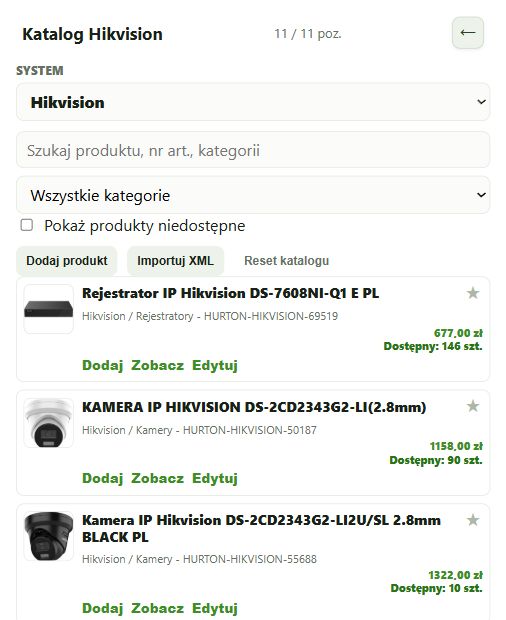
Search for the exact model in the appropriate system or manufacturer’s catalogue.
Prices and stock levels come from the catalogue’s data source. Check current availability before purchasing.
The estimate depends on selected scopes, line items, quantities, rates and discounts.
Deselecting a scope excludes it from the estimate and quote without deleting its devices.
The U size specifies the device’s mounting height in the rack.
Open EH Designer on a computer with a mouse. Start with one room or part of the installation, review the result and expand your project. For available plans, see pricing.
Create an EH Designer accountPrepare a clear CCTV layout with camera directions, fields of view and a review of blind spots.
Read guide →Prepare a Loxone installation in EH Designer: rooms, devices, wiring, distribution board and quotation.
Read guide →Plan an installation using Nice products, organise device models and prepare a materials list for your client.
Read guide →